Check lien records, find vehicles that qualify, start the lien sale, print the California forms and send vehicle records to the DMV, all from the Liens menu.
When a vehicle stays in your yard with unpaid towing or storage charges, a lien sale lets you recover what you're owed. The Liens module in FoxTow keeps the whole process in one place, from the first record check to sending vehicle information to the DMV. This guide walks through each step in order.
Before you start
The vehicle has a dispatch record in FoxTow and is in storage.
You have the owner, legal owner and any interested party details, or you're ready to look them up.
You know the minimum number of storage days a vehicle needs before it can go to lien sale.
You have DMV certified mail receipt numbers, if your notices use them.
To open the module, click Liens in the left navigation menu. You'll see five options: Add/Edit Liens, Start Lien Sales, Print CA Forms ($300–$4000), Print CA Forms (Over $4000) and Vehicle Transmit.
Open Liens from the left navigation menu.
Step 1: Check the lien record
Make sure every record is complete before you start a sale. Missing details are the most common reason a lien sale gets delayed.
Click Liens, then Add/Edit Liens.
Search for or select the vehicle.
Review and update the vehicle information, lien details, dates, remarks, labels, owner information and party information.
Click Update to save.
Toolbar shortcuts
Search: find a record by Dispatch#, Ref#, License# or VIN#.
Holes: list records with missing or incomplete information.
DMV: open DMV-related information.
New (+): create a new lien record.
Previous / Next: move between records.
A lien record with the toolbar at the top right.
Tip: Run the Holes report before every batch of lien sales and fill in any gaps first.
Step 2: Find vehicles that qualify
Click Liens, then Start Lien Sales.
Enter the Minimum Number of Days in storage (for example, 30) and the As of Date.
Click Print Report.
Set the minimum storage days and the As of Date, then click Print Report.
Review the list of qualified vehicles carefully.
The qualified vehicles report. Check every vehicle before you start.
Step 3: Start the lien sale
Click Start Lien Sales to begin the process for the vehicles on the list.
In the confirmation popup, click Continue, or click Cancel to go back.
Important: Clicking Continue officially starts the lien sale process for every vehicle on the list. Check the list before you confirm.
Click Continue to officially start the lien sale.
Step 4: Print the California forms
Choose the packet that matches the vehicle's value:
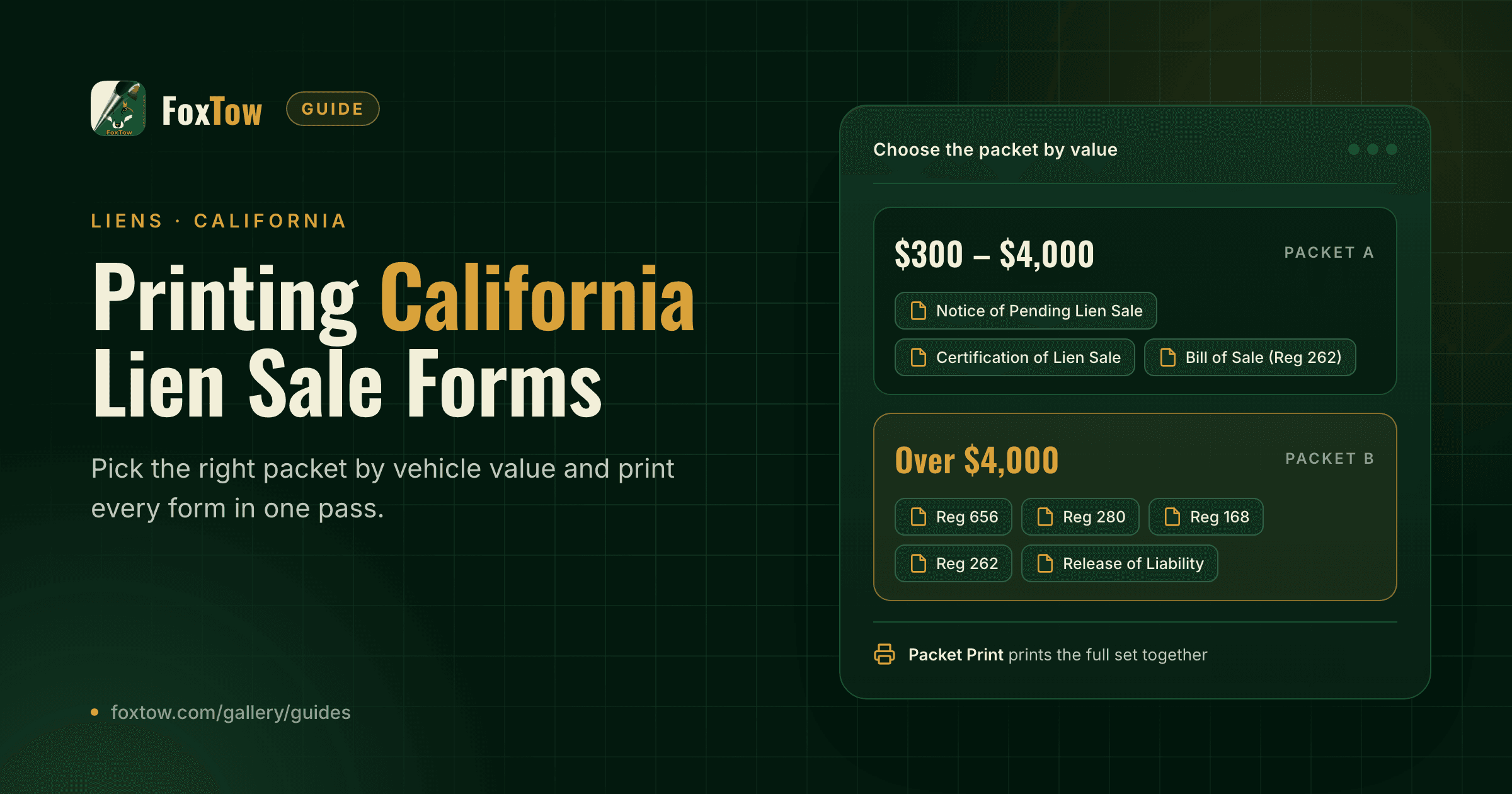
Print CA Forms ($300–$4000) for vehicles valued between $300 and $4,000.
Print CA Forms (Over $4000) for vehicles valued over $4,000.
Enter the new mailing date and sale date, select the documents you need, then view them on screen or print. Our guide Printing California Lien Sale Forms in FoxTow explains every form in both packets.
Step 5: Send vehicle records to the DMV
Click Liens, then Vehicle Transmit.
Choose VIN or Plate, enter the value and click Search.
Review the search result, the vehicle details and, if needed, the history and lien information.
Search by VIN or plate and review the vehicle history.
Scroll down to the Ready section and choose any options you need:
Batch: send multiple records together.
Print Received Records: print the records the DMV returns.
Prompt to print each record: confirm before each record prints.
Print to Screen: review a record on screen before printing.
Limit Records Sent: cap how many records go out at once.
Review the Reg Owner, Legal Owner and Interested Parties sections.
Click Send To DMV.
Choose your options, check owner details, then click Send To DMV.
Quick checklist
Lien records are complete, and the Holes report is clear.
The qualified vehicle list is reviewed before you click Continue.
The right form packet is printed for each vehicle's value.
Owner and interested party details are checked before sending to the DMV.
This guide explains how to use FoxTow's Liens module. It isn't legal advice. Lien sale rules, forms and deadlines are set by the California DMV and can change, so check current DMV requirements before you sell a vehicle.