Towing dispatch software for tow operators
Every call, driver, and truck on one live board.
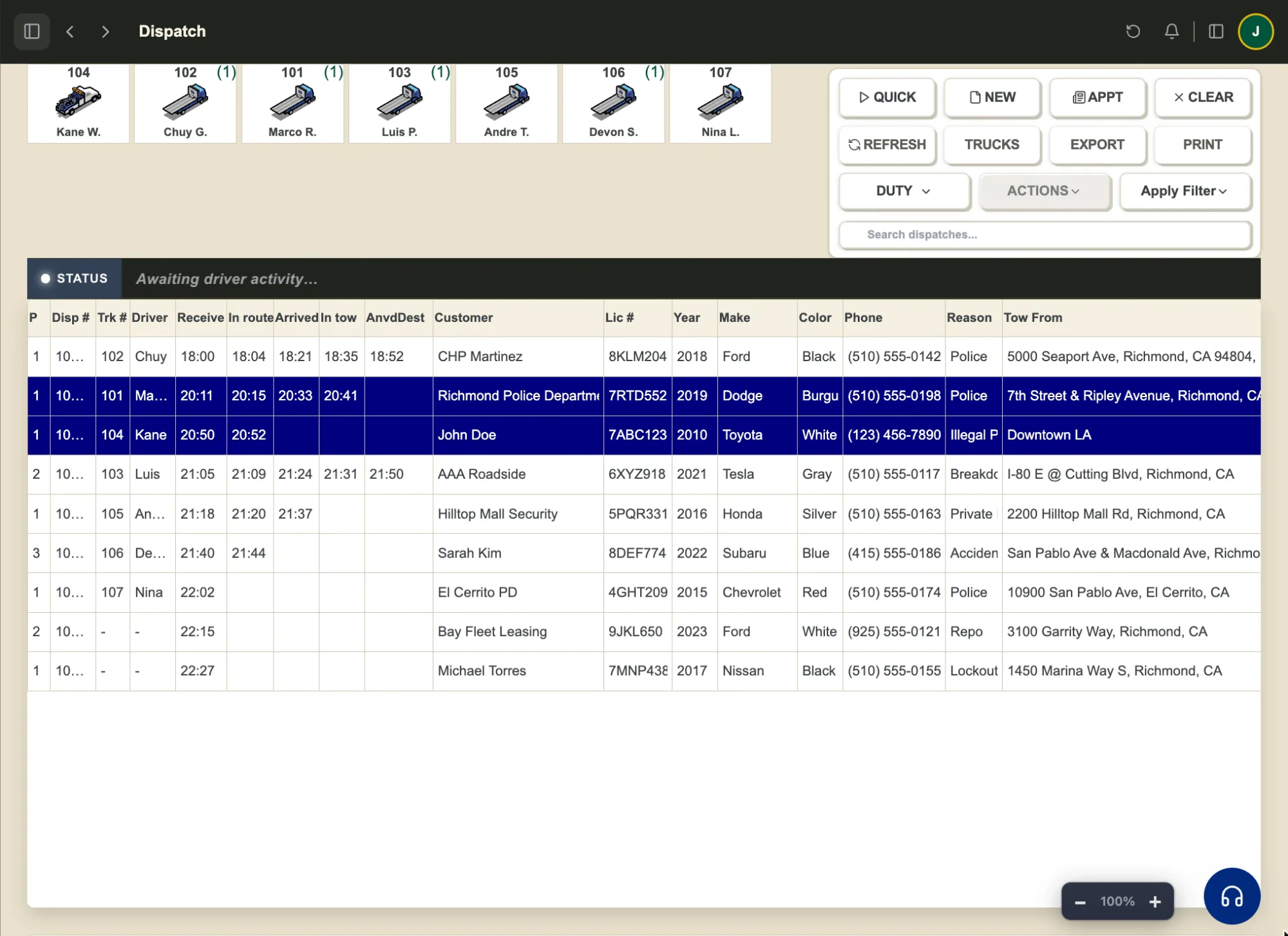
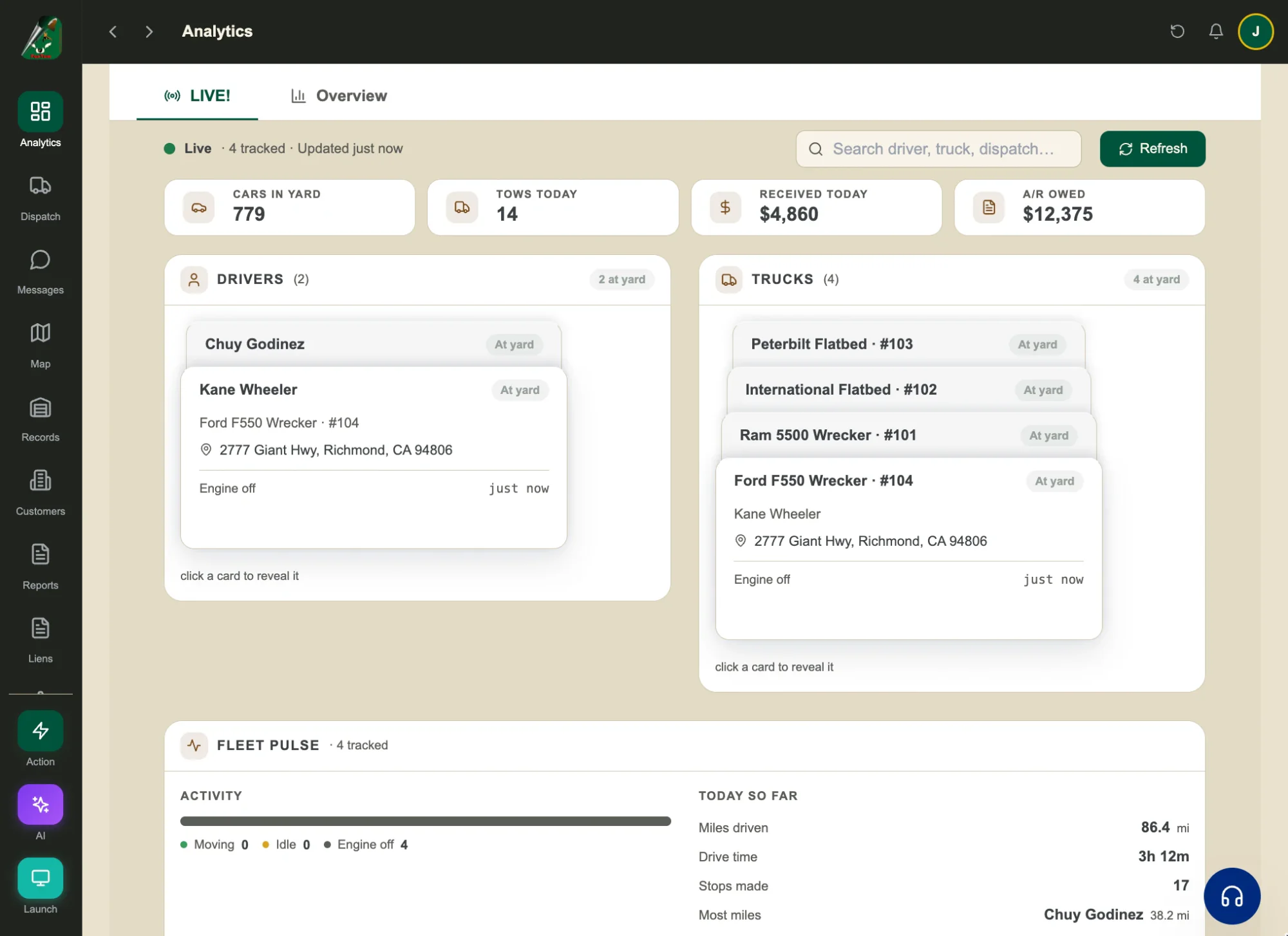
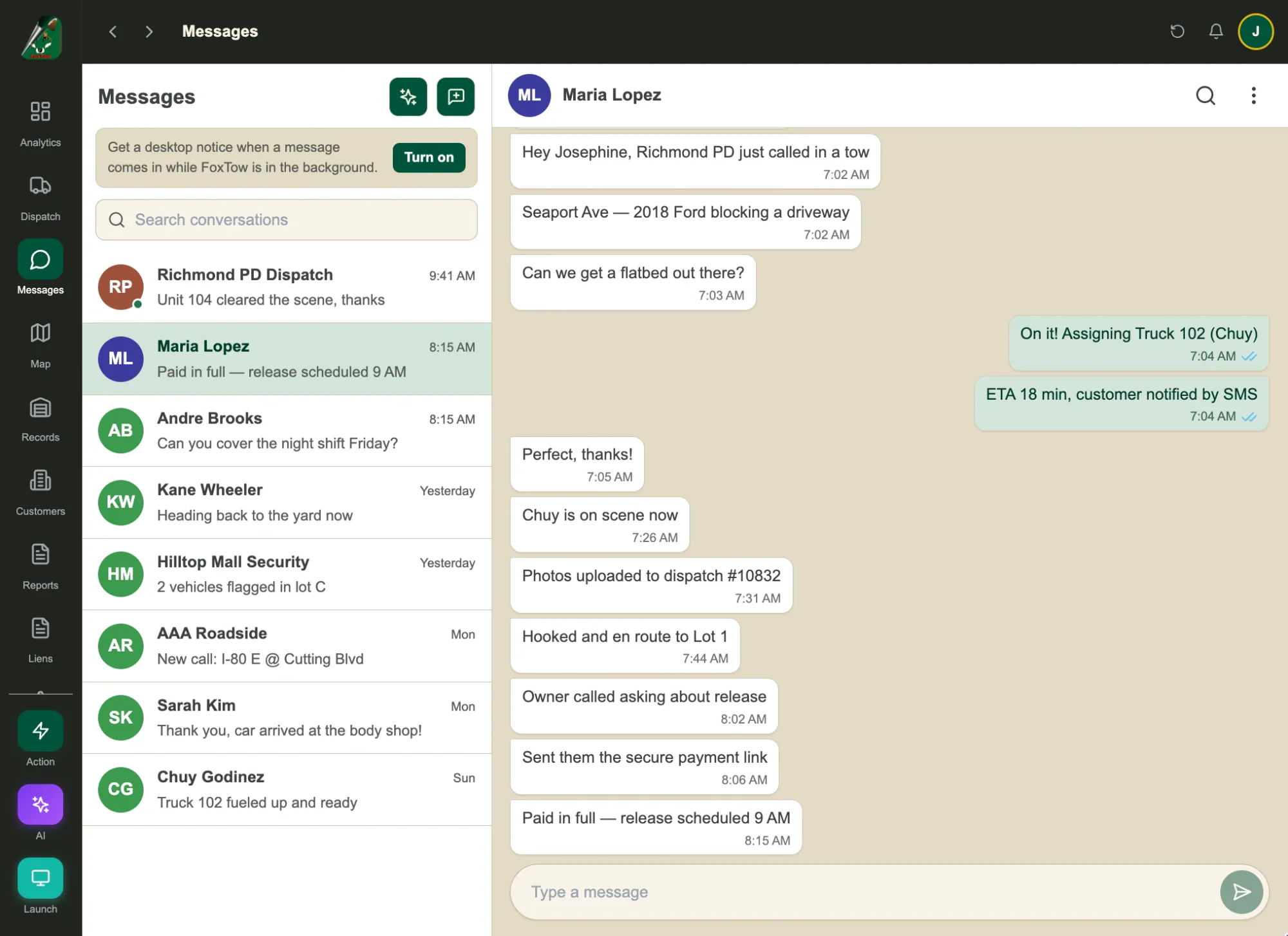
Every call on one live board.
See each call, truck and driver together. Assign a tow and follow it from receive to drop-off.
How a tow moves through FoxTow
- 1
Call comes in
New calls flag themselves the moment they land.
- 2
Assign a truck
See who's free on the live map and assign the call.
- 3
Track it live
Follow routes and ETAs, and re-route in real time.
- 4
Get paid
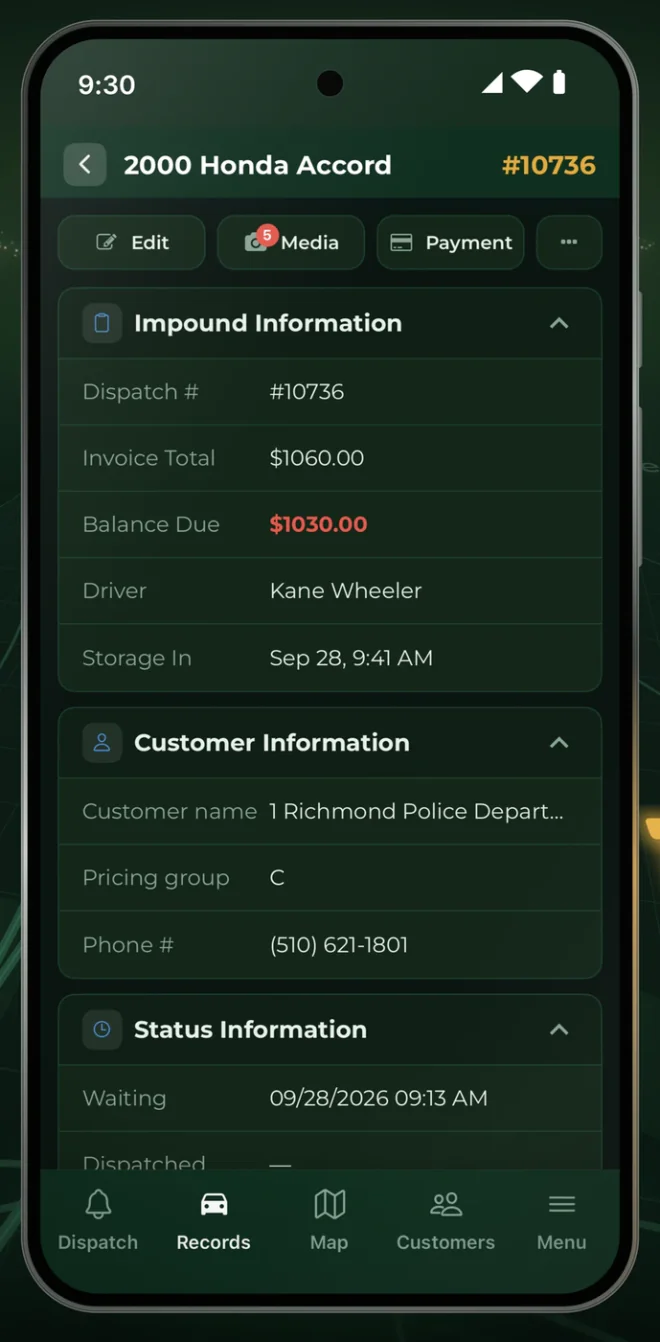
Photos and signatures in the driver app, then invoice and take payment.
The office runs dispatch. Drivers run the road.
- Job status in one tap, from received to cleared
- Photos and signatures on the job
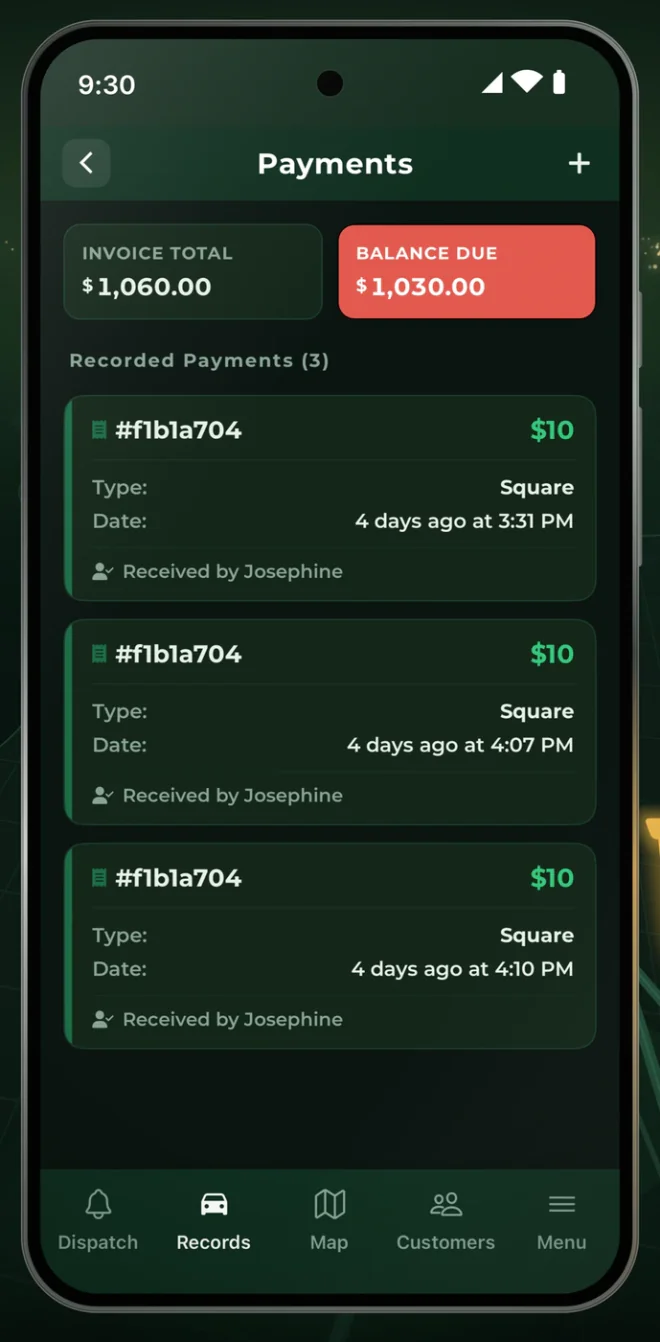
- Invoice total and balance due on every record
- Record payments from the phone
Towing dispatch questions
What is towing dispatch software?
Software that helps tow companies take calls, assign drivers and trucks, and track each job to completion.
Does FoxTow include a driver app?
Yes. The driver app, with photos and signatures, is included from the Essentials plan.
Can I try FoxTow first?
Yes. Start a free trial with no contract and no setup fees.
Does FoxTow use AI for dispatch?
Yes. AI reads shorthand dispatch notes and fills in the call fields, suggests location pins and equipment, and picks a driver by your company rotation. The job goes to the driver’s mobile app, and calls a driver rejects go back to the queue for the dispatcher to reassign.
Can dispatchers see where every truck is?
Yes. The live fleet map shows every truck, its driver and active call, with routes and ETAs, so dispatchers can see who is free for the next tow.
Ready to run your yard from one screen?
Try every part of FoxTow free. No contract, no setup fees, and our team is here to help you get started.